Stop Chasing Your Tools: How AI Is Learning to Keep Up With Your Business
Spending your morning logging into five apps to check if systems are working? An AI assistant can watch them and only interrupt when something needs attention.
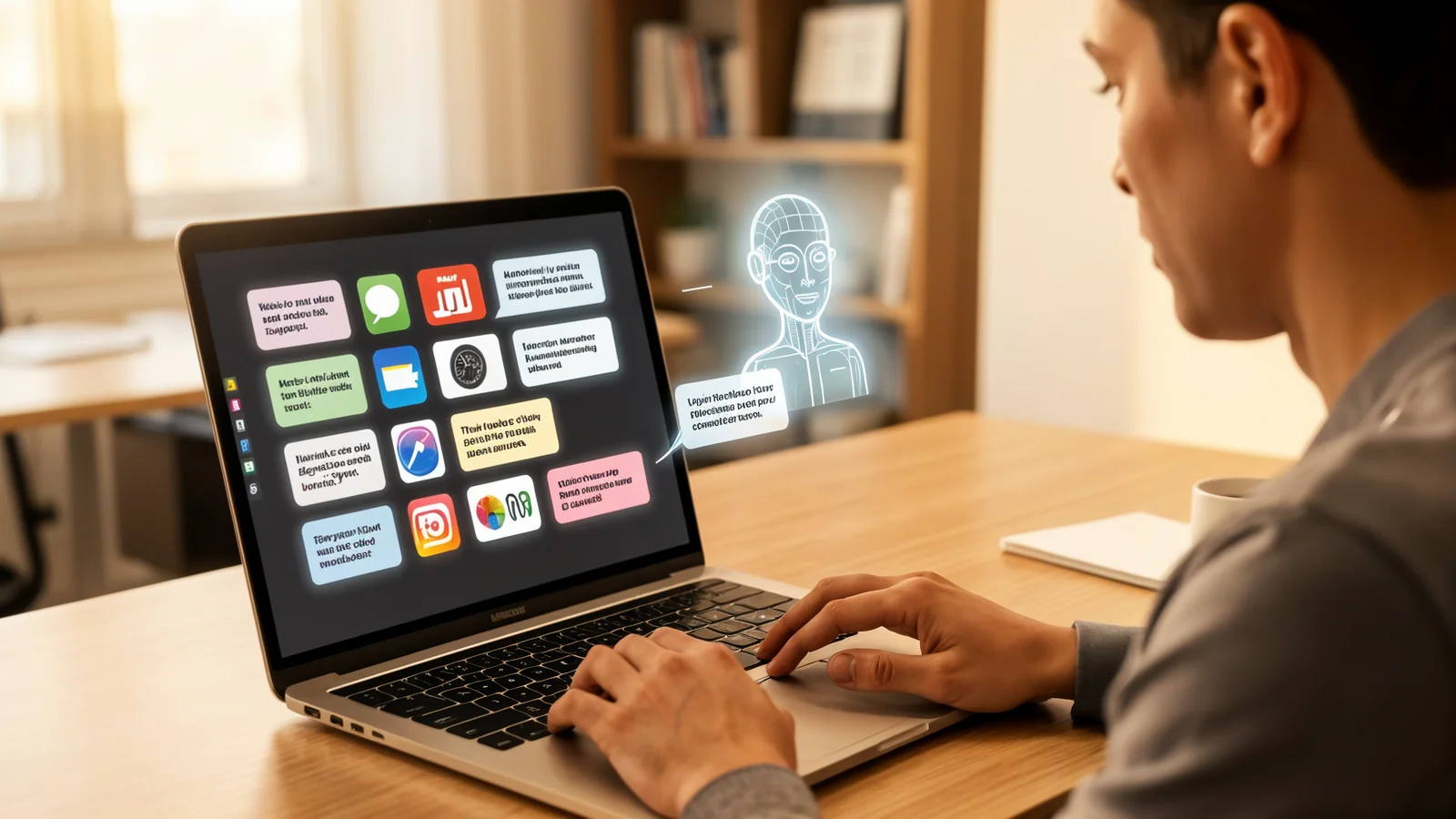
You know that stack of browser tabs you open every morning? The one with your email, your payment dashboard, your booking system, and your security app? By the time you have clicked through all of them, your first employee has already asked you a question about something that broke overnight.
Checking every system by hand is not a productivity habit — it is a trap. Each tool was built to solve one job, not to keep you informed about everything else. So you end up playing a game of detective every morning, and detective work is not why you opened a business.
What changed
For a long time, the only way to get a single view of your world was to hire someone to build a custom system. Expensive, brittle, and gone the moment a vendor changed their interface.
Now a different approach is available. Instead of forcing your tools into one fake “interface,” a lightweight AI assistant connects to the places you already use and reads what matters to you. It does not replace the tools — it watches them.
The difference is that it can read.
An AI assistant can tell you, in plain English, “Your credit-card machine processed 12 transactions yesterday, down from 18 on Tuesday,” or “Three new emails landed in your inbox after hours.” It does not need you to remember whether green means “good” or “warning” on each app’s dashboard. It translates the noise into questions you can act on.
Where it pays off
The value is not in the dashboard. It is in the interruption that does not happen — and the one that does happen, but only when it needs to.
- Morning clarity. Instead of clicking through six interfaces to decide whether today starts calm or chaotic, a single summary tells you where to look first.
- Faster answers. When a customer asks why they did not receive their receipt, instead of fishing through three apps, your assistant can pull the answer in seconds.
- Fewer forgotten things. The assistant can remind you when a payment that usually arrives has not, or when your invoice list has not been updated in two days.
Most small businesses do not need more data. They need the data they already have to find them, only when it matters.
What it actually takes
You do not need to become technical. A practical setup looks like three pieces:
- Pick the two or three things you check every morning — payments, email, maybe your booking system. Start small.
- Let an assistant connect to those places using the login you already use. It reads the data the same way you do.
- Give it a couple of plain-language rules — “tell me if any payments failed yesterday” or “warn me if more than five new emails came in after 6 p.m.”
The assistant does not log you out, does not change your passwords, and does not replace your existing tools. It just checks the things you would have checked anyway — and tells you when to pay attention.
What to do next
If you spend more than five minutes a day checking whether the systems behind your business are working, that is time you took away from the work your business actually exists to do.
Book a free 15-minute consultation and I will walk through the tools you already use and show you where a simple assistant can do the checking for you — so mornings start with a clear view of the day, not a wall of tabs.