How to Protect Your Small Business from Ransomware in 2026
Ransomware locks your files until you pay — and most small businesses never come back. Three concrete steps that keep your files, your customers, and your bank account out of a criminal's hands.
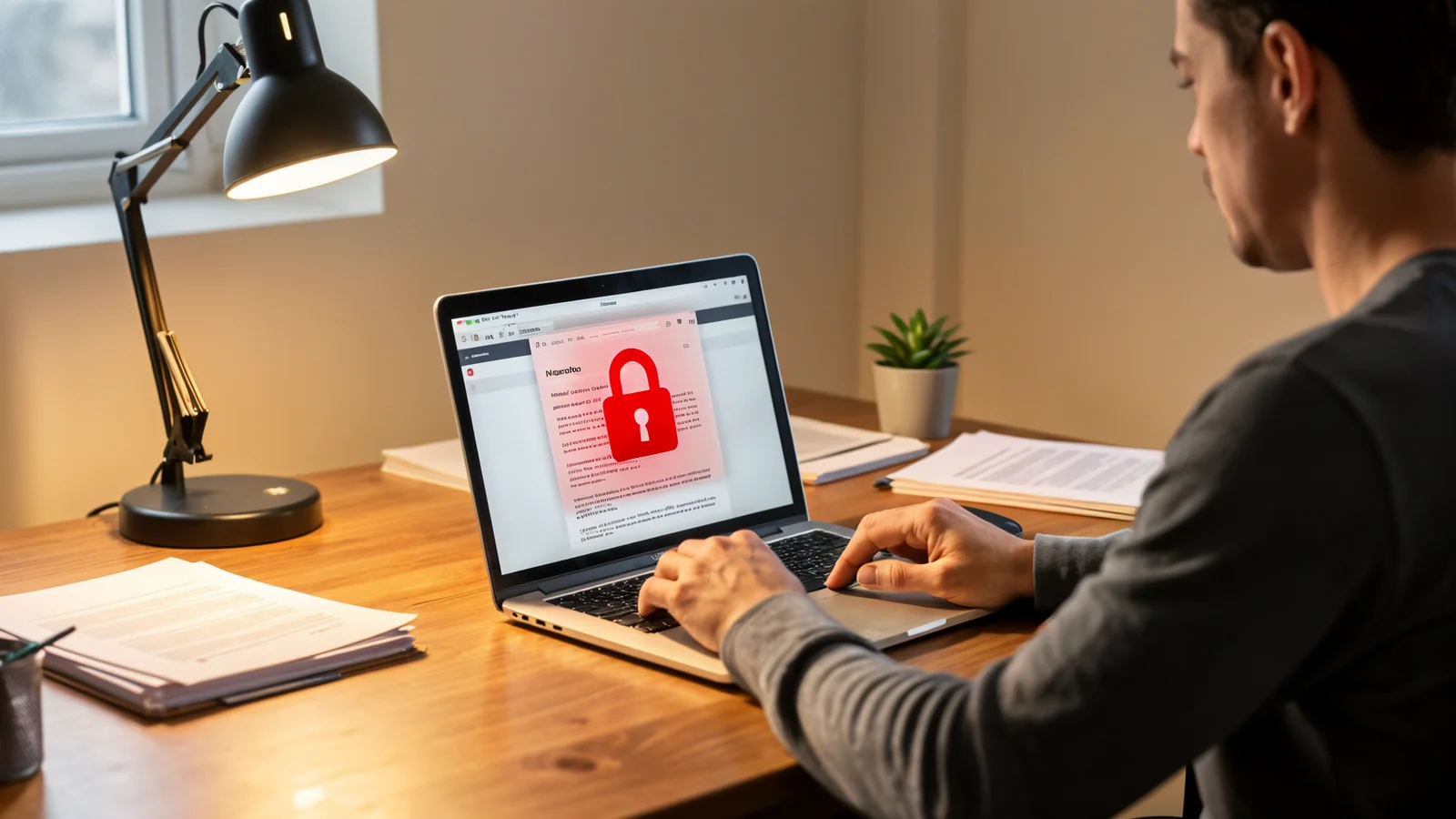
You know that sinking feeling when your computer screen goes dark and a message says your files are locked until you pay? That is ransomware, and it does not care how good your business is at what you do. It is after your money, and small businesses are easy prey because they usually lack the backups and protections that bigger companies take for granted.
In 2024 and 2025, ransomware attacks against small businesses rose sharply. Many owners never reopen after paying — the criminals rarely hand everything back intact, and even when they do, you have already paid them to come back next month. The problem is not going away, but the fixes are not complicated either.
1. Backups you can actually trust
Most owners think they have a backup and then discover it was never tested — or that the same malware encrypted the backup server too. A real backup follows three rules:
- Keep three copies of anything important. Your working files plus two backups is the baseline.
- Store at least one copy offline so ransomware cannot reach it. A USB drive that only connects when you are copying files, or a cloud service that keeps snapshot versions you can roll back, both count. The key is that the copy you need is not permanently attached to the same machine the attacker just locked up.
- Test the restore quarterly by recovering a few real files. Too many businesses discover their backup was corrupted only after the attack, when it is too late.
If a backup had been offline and restorable, most ransomware victims would not have paid a dime. That is where the real protection lives.
2. Lock the doors you leave open
Ransomware usually gets in through the same few gaps every year: an employee clicks a bad link, an old Windows machine never gets patched, or a remote-access password was weak. You do not need to become a security expert — you need to make the common paths close behind themselves:
- Enable multi-factor authentication on every account that offers it, especially email, your bank, and any remote access tool. A stolen password alone will not let a criminal in.
- Update your software automatically. Windows, Microsoft 365, your browser, and your point-of-sale system all push security fixes on a regular schedule now. The updates that used to break things are reliable enough that the risk of skipping them is greater than the risk of installing them.
- Run a short phishing test with your team every few months. Show them an example of a convincing invoice email or fake shipping notice. When someone spots it, thank them. When someone does not, use it as a practice lesson, not a punishment.
Each of these is a small habit, but together they close the paths criminals rely on.
3. Know who to call and what to pay
If the worst happens anyway, having a plan keeps panic from making it worse:
- Do not pay the ransom. There is no guarantee you get your files back, you may be breaking sanctions by paying, and you are simply telling criminals that your business pays.
- Isolate the infected machine immediately. Unplug the network cable or turn off Wi-Fi so the malware cannot spread to other computers or servers.
- Contact your bank and your insurance carrier right away. Both have steps they need to take inside a specific window of time.
- Keep a trusted technician’s number saved. A local, responsive IT partner can restore from your backup or rebuild cleanly far faster than most owners can on their own.
Prevention is always cheaper than recovery — the average ransom demand is only part of the real cost when you factor in downtime, lost customers, and the investigation.
What you should do next
The single most reliable defense against ransomware is a backup that is offline, encrypted, and tested on a schedule you actually keep. If your backups are informal or you are not sure they would hold up against an attack, that is exactly the place to start.
Book a free 15-minute consultation and I will walk through your current setup, flag the gaps a criminal is most likely to exploit, and lay out a practical plan to keep your business running — with your files, your customers, and your bank account safely out of a criminal’s hands.