Card Readers and Paper Trails: Making Sense of PCI-DSS for Small Business
If your business accepts cards, PCI-DSS rules apply whether you know it or not. Here is what those rules actually ask of you, in plain English.
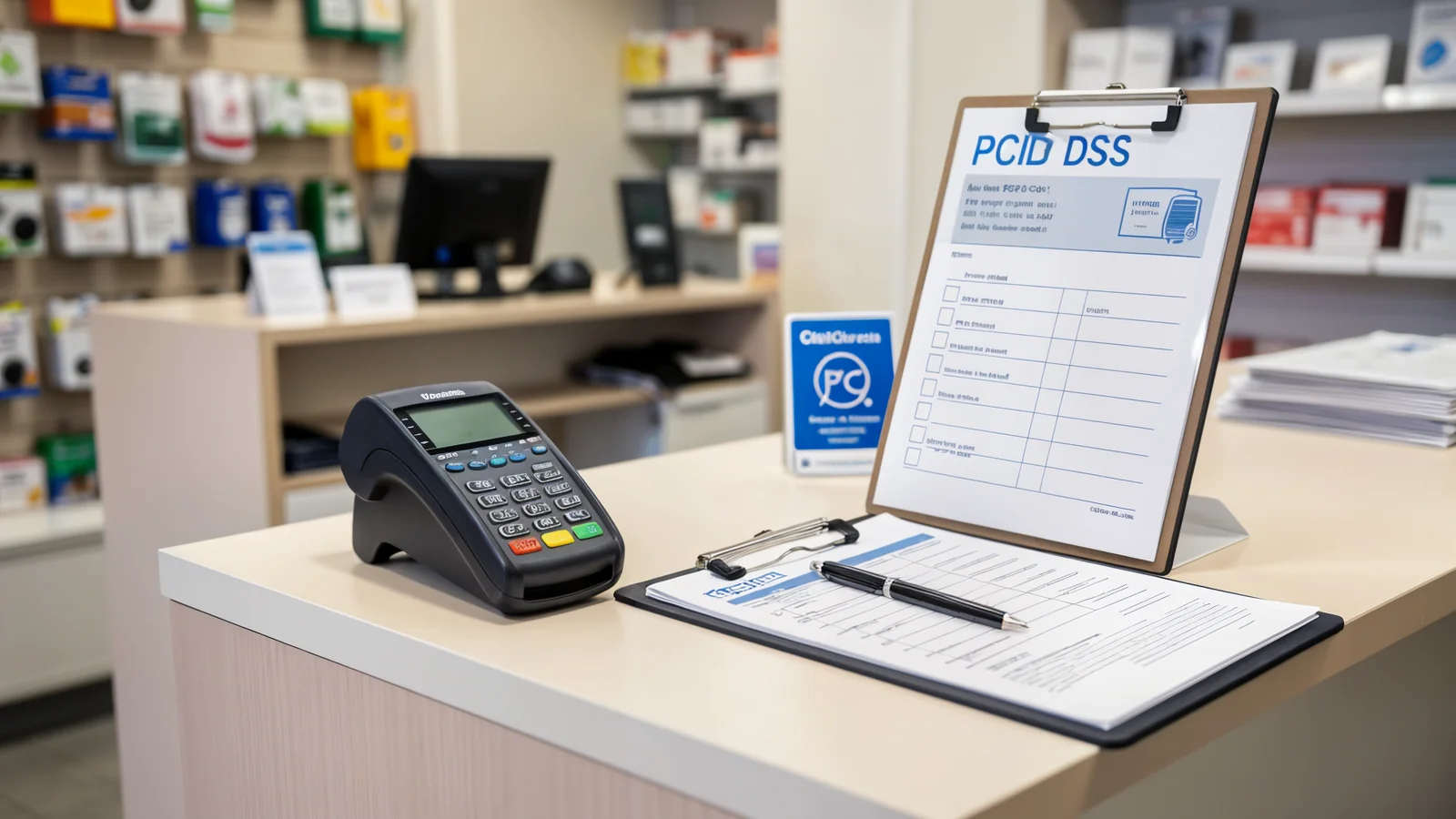
When a customer hands you their card, they are trusting you with something more valuable than the transaction on the screen. Their name, their number, their purchase history — and the fact that they trusted you with it again next month.
The rules that govern that trust go by the name PCI-DSS, and like most compliance frameworks, they were not written for small businesses. But if your business takes cards at all — even once a month — some version of those rules applies to you. The good news is that most of it is common sense, once someone explains it.
Three levels, five questions
PCI-DSS sorts businesses into levels based on how many transactions you process each year. Most small businesses fall into Level 4: fewer than 20,000 card transactions annually. At that level, you are not expected to run a security operations center. But you are expected to do five things:
- Use a secure payment processor. This means you never store card numbers on your own computer, spreadsheet, or receipt roll. If your card machine is provided by Square, Stripe, or your bank, it is probably compliant already — but only if you use it the way it was designed.
- Keep your software updated. The card reader you never think about, the point-of-sale app on your iPad, even the router that connects it all — they all receive security updates. If you are not applying them, you are leaving the door open.
- Do not store sensitive data. That receipt you printed and taped to the customer’s bag? It should not show the full card number. That spreadsheet of regular customers? It should not contain their card-on-file details. If you are keeping a record, ask yourself what would happen if it was stolen.
- Control who has access. Does every employee need to be able to process refunds? Does your bookkeeper need to see card numbers? Give people the minimum access they need to do their job.
- Monitor for problems. Someone should notice if your card terminal is acting strange, if transactions are failing in patterns, or if someone you do not recognize is trying to log into your payment dashboard.
What actually happens if you skip it
Compliance is not enforced by a compliance police force. It is enforced by your payment processor, your bank, and your insurance carrier — and those relationships matter when something goes wrong.
If a breach happens and an investigation finds you were storing card numbers in a spreadsheet, your insurance may not cover the fallout. Your processor may drop you. Your customers may not come back.
The rules exist because the people who wrote them have seen businesses lose everything after a single mistake that could have been avoided.
What a practical approach looks like
You do not need a compliance officer. You need a checklist and a quarterly habit:
- Audit your storage. Where are card numbers, if any, kept? If the answer is anywhere other than “inside the payment processor,” fix it.
- Review your team’s access. Remove credentials for people who have left. Tighten permissions for people who do not need them.
- Patch on schedule. Set a recurring reminder to check for updates on your payment hardware and software.
- Test your backups. Not your card-reader backups — your data backups. If a breach happens, your ability to prove that no sensitive data was exposed is the best defense you have.
What to do next
If you are not sure where your card data lives or whether your payment setup meets the basics, that uncertainty is a problem you can fix with a 15-minute call.
Book a free 15-minute consultation and I will walk through your current payment flow, identify where the obvious risks are, and lay out a practical checklist so you can be confident your customers’ trust is not resting on a spreadsheet you forgot about.