AI Dashboards: One Screen for All Your Small Business Tools
See your email, payments, and alerts on one screen before problems find you. Here is how an AI dashboard saves small businesses time and catches trouble early.
How often did you check in last week on whether the credit-card machine worked, whether your email was down, or whether someone tried to log in after hours? If you are like most small business owners, the honest answer is “I only notice when a customer complains.”
The problem is not that you don’t care — it is that your tools live in separate worlds. Your email is in Microsoft 365, your invoices and payments are in QuickBooks or Square, your security cameras have their own app, and your internet provider has a status page you never think to open. Each one sends alerts to a different place, or not at all.
What an AI dashboard actually is
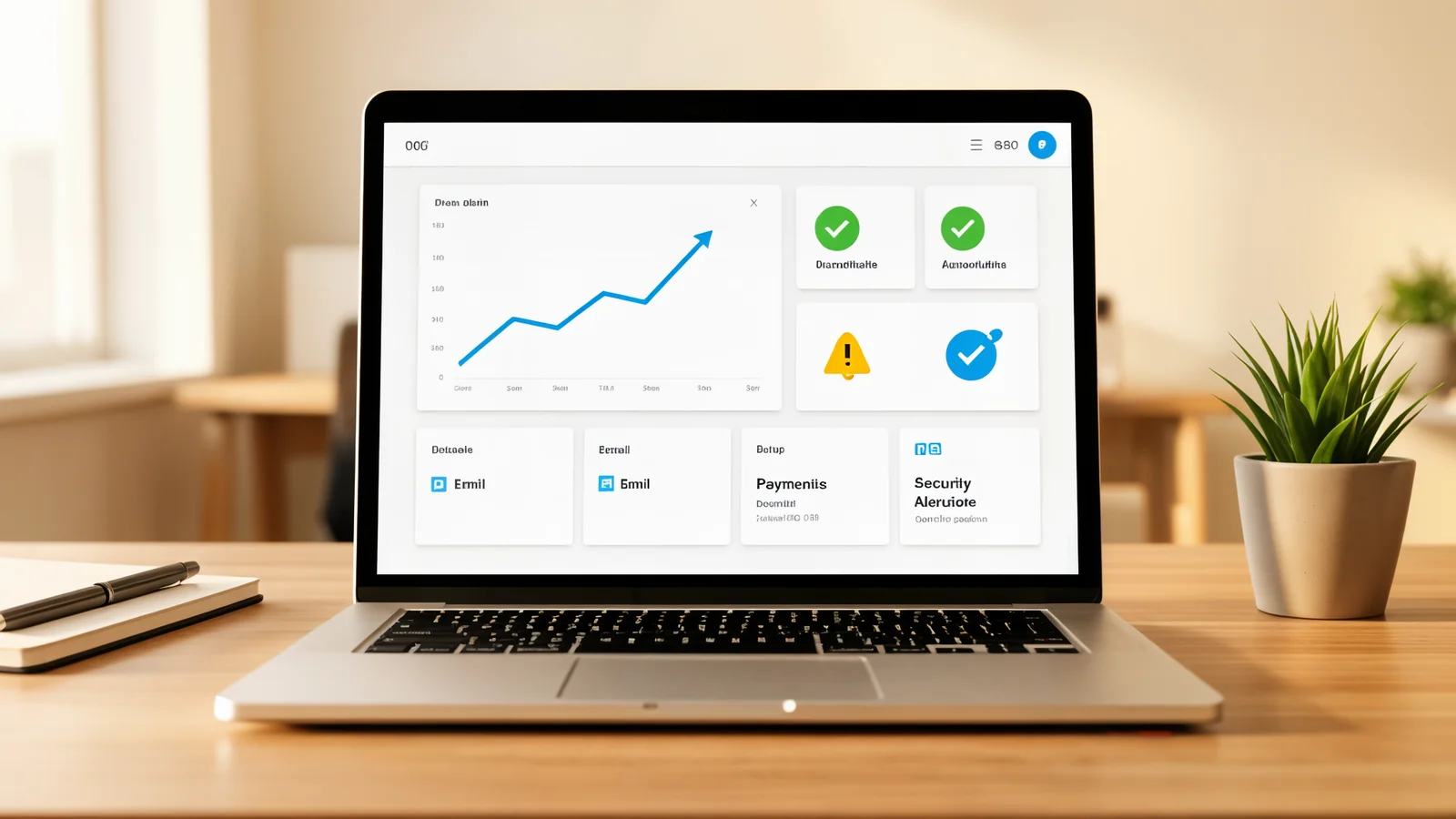
Forget the word “AI” for a second. What the technology has reached is good enough that one person can build a simple dashboard that pulls the pieces of information you actually need from each of your tools and shows them on a single screen. Think of it as a single pane of glass for your business — the way you might check your car’s dash for fuel, speed, and engine temperature all at once.
These dashboards connect to the services you already pay for — your email provider, your payment processor, your security software — and surface the questions you ask most:
- Did any payments fail yesterday?
- Is my email or website down right now?
- Were there any login attempts outside normal hours?
- Did someone actually open the invoice I sent?
The “AI” part does not replace you or make decisions. It reads the data coming in and translates it into plain-language alerts — “Payment of $420 from Tuesday did not go through” instead of a string of error codes. It also learns the patterns of your business, so instead of pinging you at 3 a.m. every time something happens, it tells you when something is different from the usual rhythm.
Where the time goes
Most owners discover problems reactively: a customer emails that they can’t reach you, or a client says an invoice never arrived, or your bookkeeper notices a payment that bounced weeks after it was sent. By then, the window to fix it cleanly has passed.
A dashboard makes the usual reactive loop proactive:
- Visibility. Instead of logging into four different apps to piece together what happened, you open one screen. The tools do the connecting for you.
- Early warning. When something is off, the dashboard tells you — and it can tell you by text or email, not just when you happen to look. Problems surface hours or days sooner.
- Time back. Those mornings you spent checking each system one by one? Compressed into a 10-second glance at one screen.
For a solo operator or a team of two, that is the difference between spending an afternoon chasing down why something broke and spending ten minutes confirming all is well.
What a practical setup looks like
You do not need a developer or a $500-a-month SaaS stack. A working approach fits in three pieces:
- One shared dashboard — a simple page (often built once and reused) that shows the statuses and alerts you care about.
- Connections to your existing tools — your email provider, payment processor, and security tools almost all offer a way to surface data to something else. Modern dashboards connect to those directly.
- A few plain-language rules — “alert me when no sales hit my account between 9 a.m. and 5 p.m.” instead of configuring complex logic.
The goal is not to automate your whole business. The goal is to stop surprises from finding you, and to get those ten minutes of your morning back every day.
What to do next
If you spend more than a few minutes a week checking whether your tools are working, a consolidated view will pay for itself quickly. The setup is a one-time project, not a monthly bill that keeps climbing.
Book a free 15-minute consultation and I will look at the specific tools you already use — email, payments, security — and sketch out what a single dashboard could show you. No sales pitch, and no obligation to build it. Sometimes seeing the pieces side by side is the most useful thing a business owner can do.